Apple Widget
Tap to open Scan
Add RuralPay to your iPhone home screen and scan a code without searching through apps.
Simple payments for every community
RuralPay makes everyday payments quick, clear, and secure—whether you are shopping at a local market, paying for farm supplies, or supporting a small business.
Open Dashboard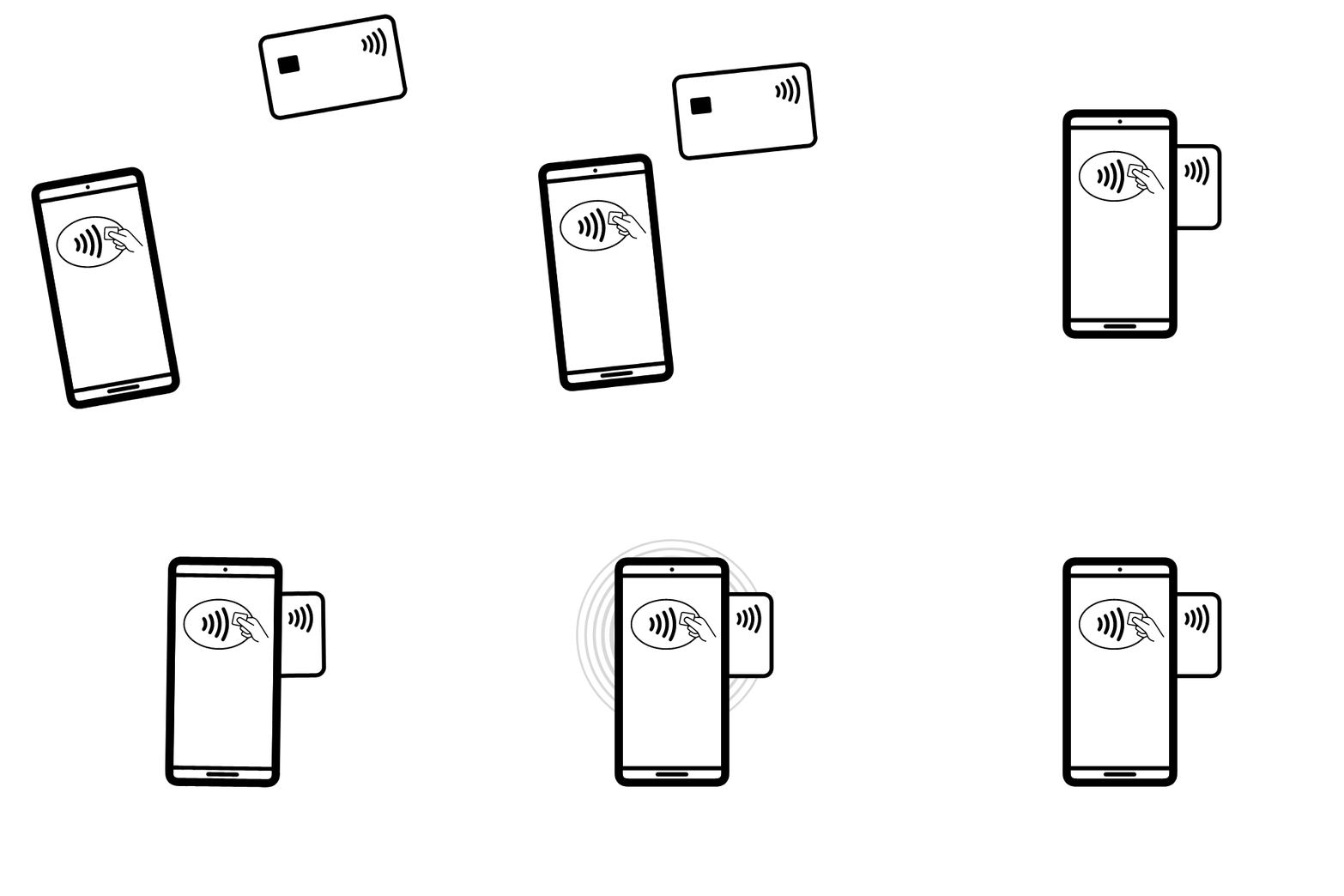
How it works
Choose the Pay option in the RuralPay app and enter the amount for your purchase.
Hold your phone near the merchant's enabled device to securely confirm the payment.
Both you and the merchant receive an instant confirmation, so you can carry on with confidence.
QR code payments
Keep RuralPay's scanner one tap away. Add the widget to your Apple or Android home screen, then point your camera at a merchant's QR code to pay securely.
Point, scan, and confirm.
No account number or cash exchange required.
Apple Widget
Add RuralPay to your iPhone home screen and scan a code without searching through apps.
Android Widget
Place the RuralPay Scan widget on your Android home screen for fast payments at any QR-enabled merchant.
RuralPay gives merchants and their customers a dependable way to transact, wherever business happens.
Open Dashboard →